Your life, one system.
Tasks, calendar, journal, budget, and news in one modular app. Use what you need.


5 modules · 3 languages
Coming soon on iOS & Android
5 modules · 3 languages · iOS & Android
One system for everything.
Tasks, calendar, journal, budget, and news — working together in one app you customize.
Dashboard
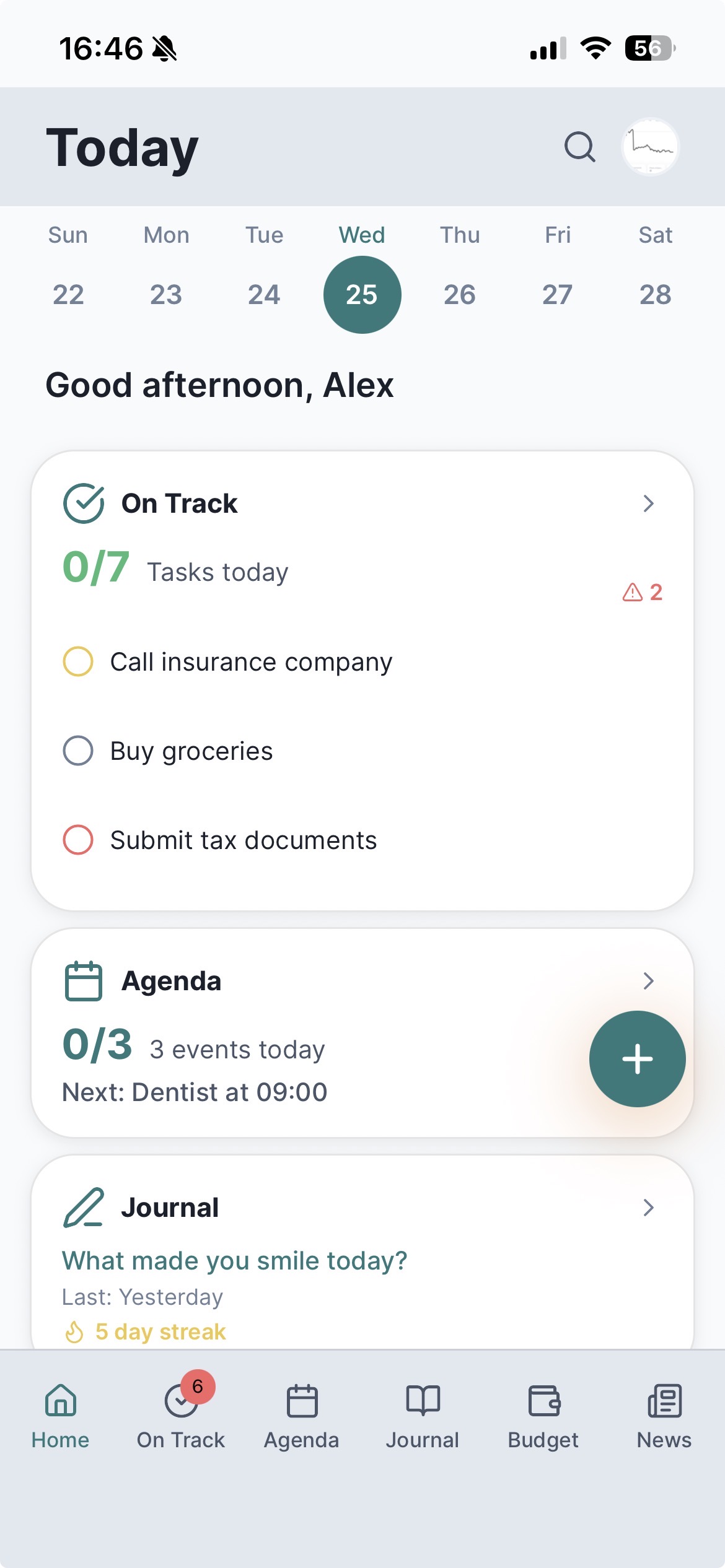
Everything at a glance
Today's tasks, next event, streak, and budget — one screen
Tap any widget to open that module
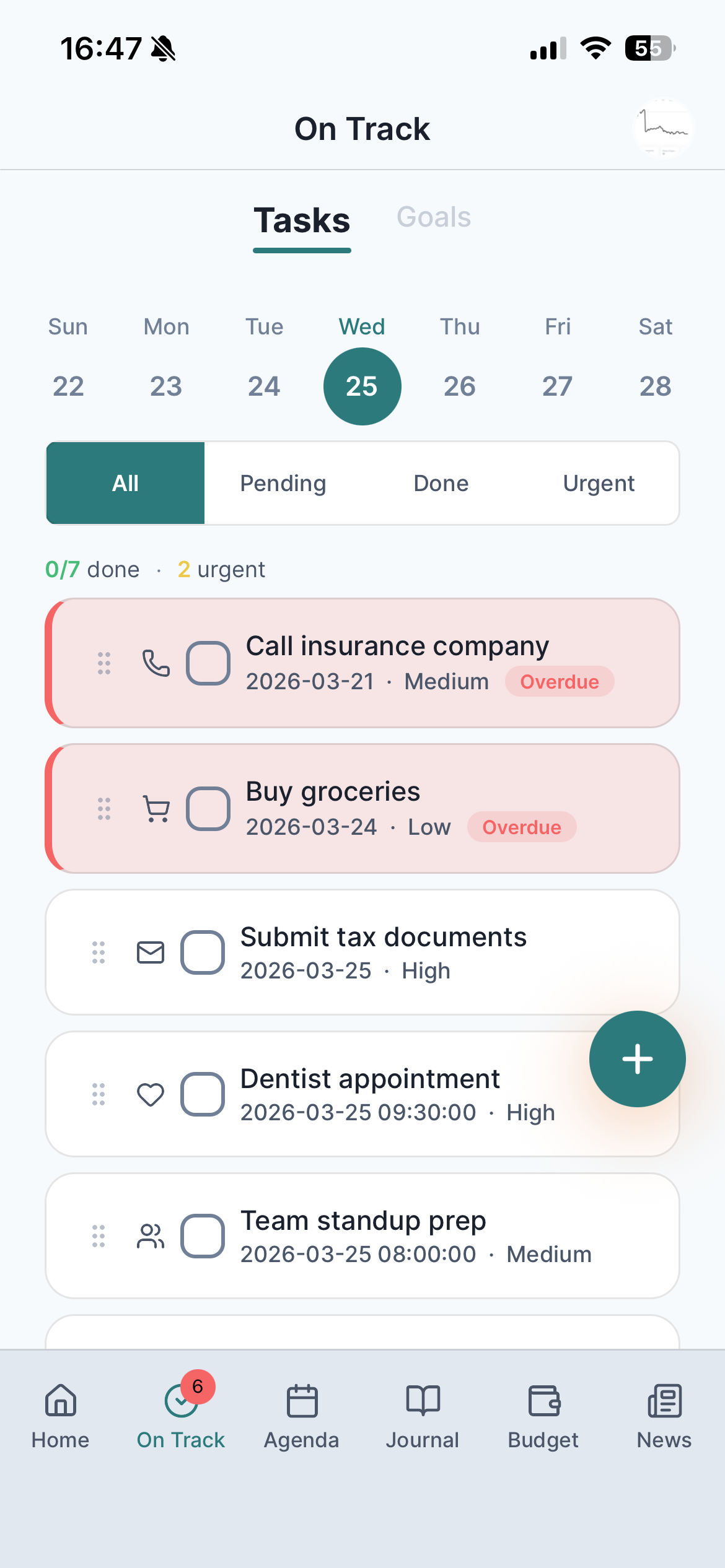
Tasks & Goals
From tasks to goals
Tasks with priority, due dates, and recurring schedules
Link tasks to goals and track progress over time
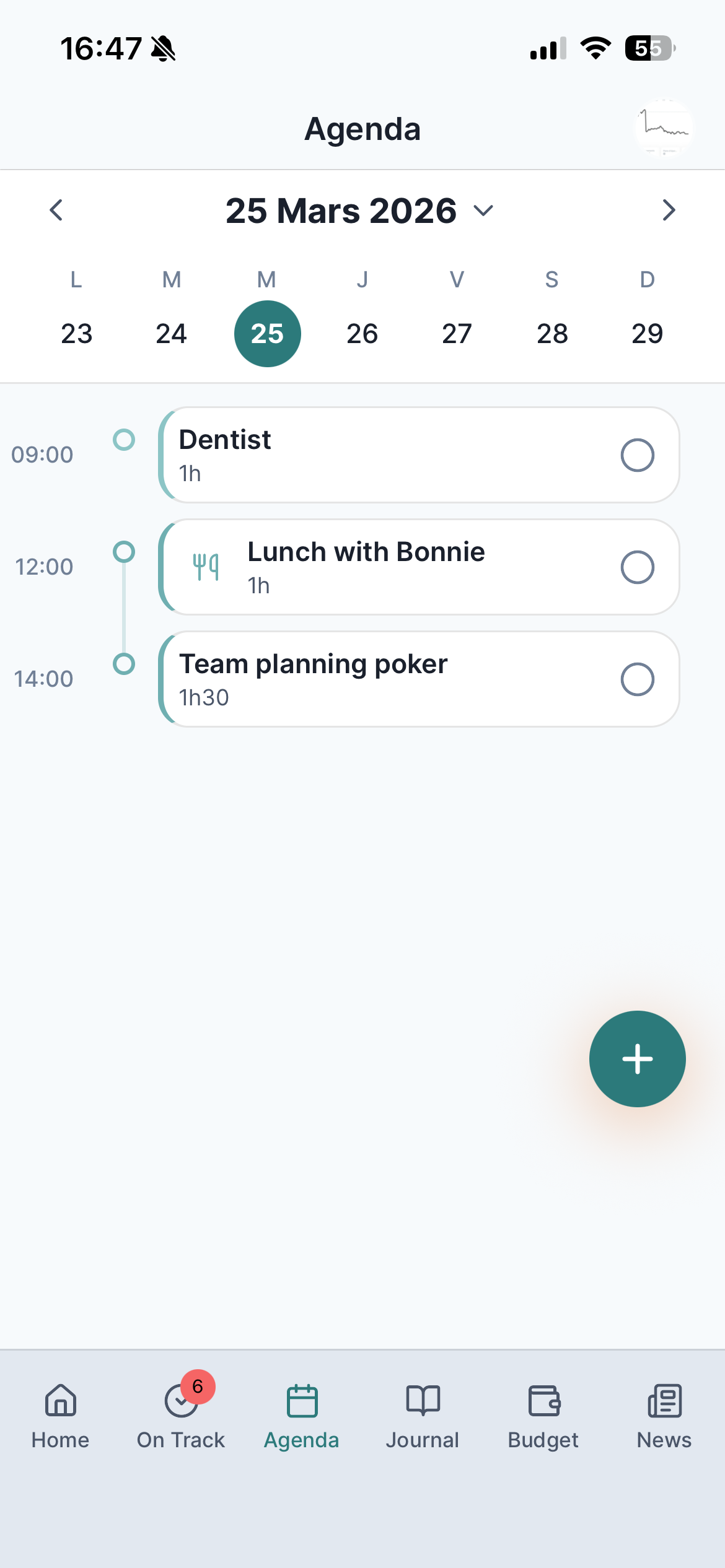
Calendar
Your time, visualized
Week timeline color-coded by event type
Events with duration, recurrence, and categories
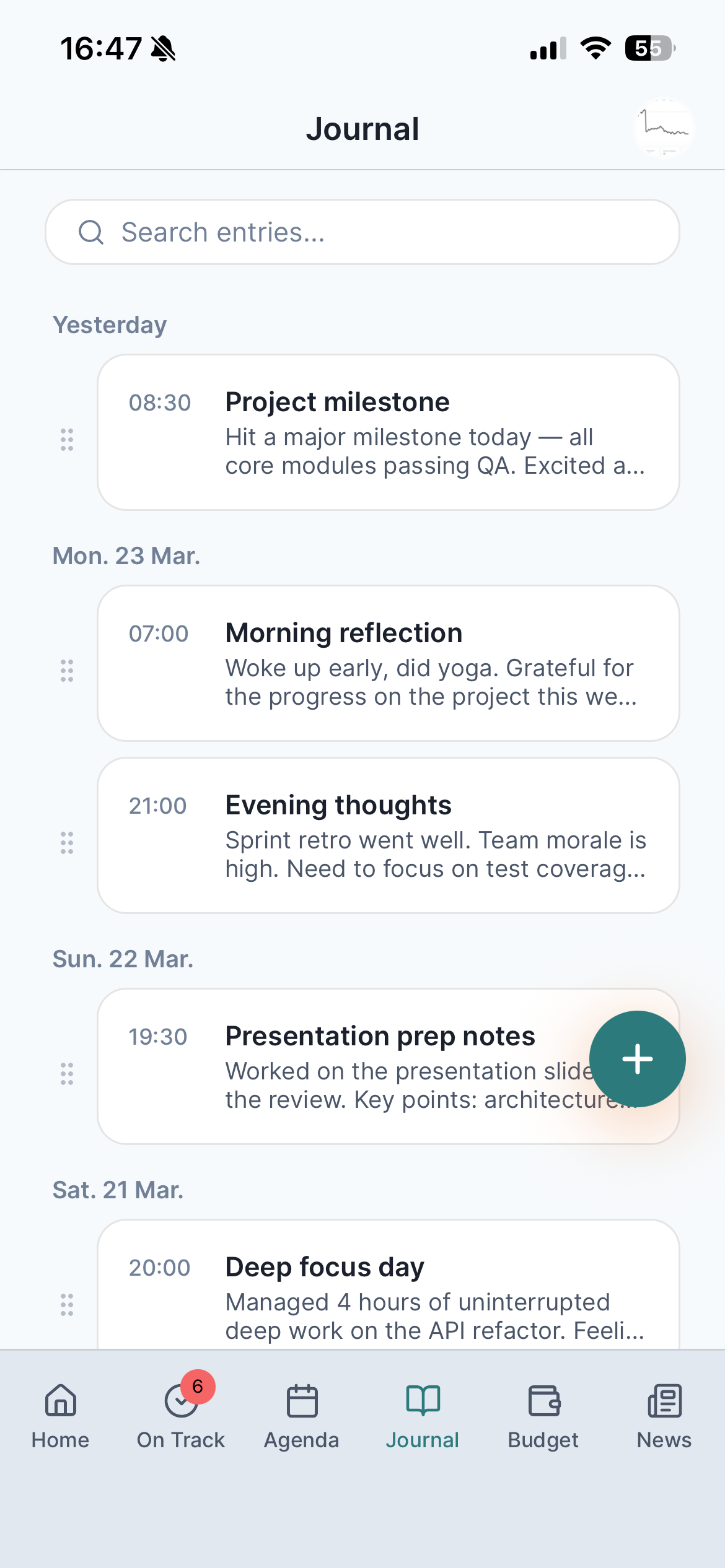
Journal
Write daily, stay consistent
Daily entries with images and streak tracking
PIN-locked for personal privacy
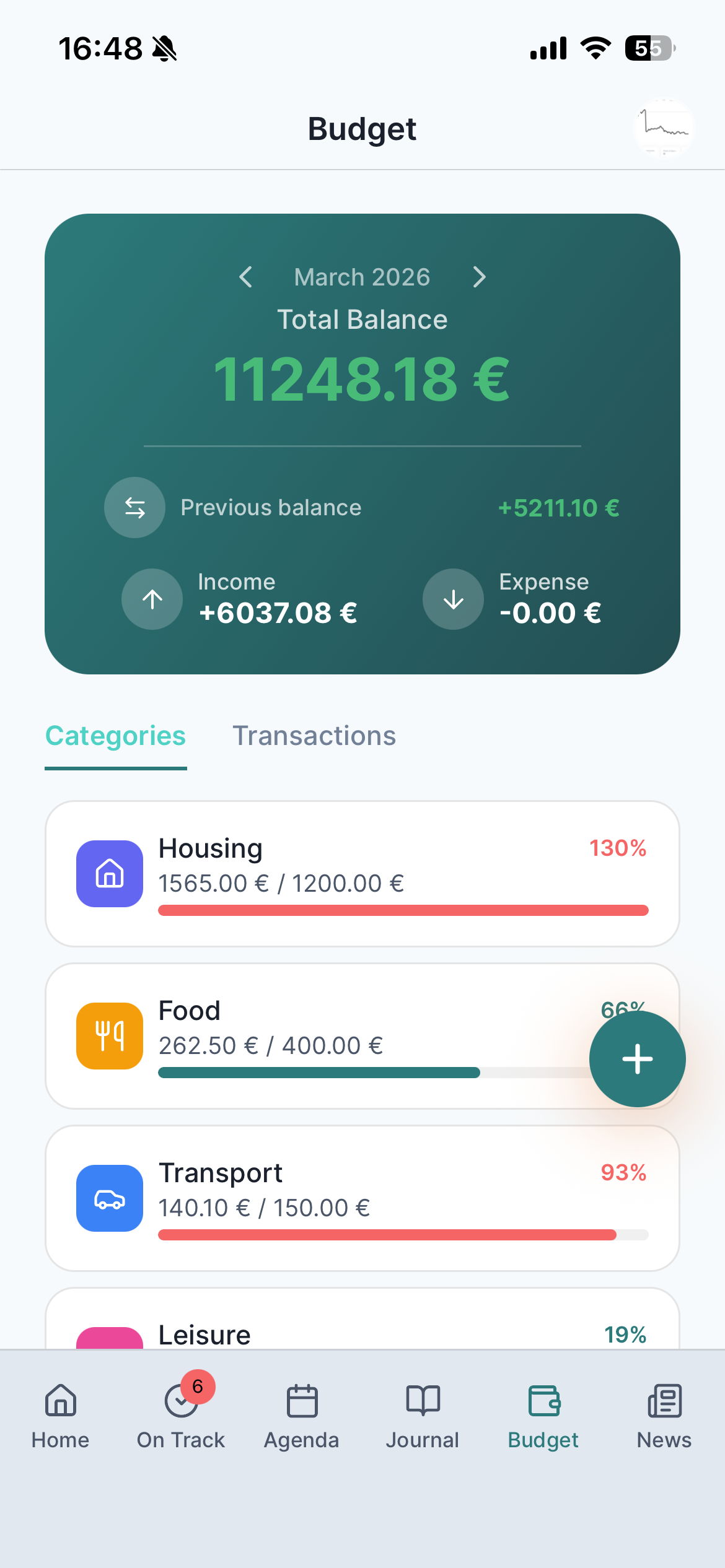
Budget
Know where your money goes
Income and expenses by category with monthly limits
Balance and spending breakdown at a glance
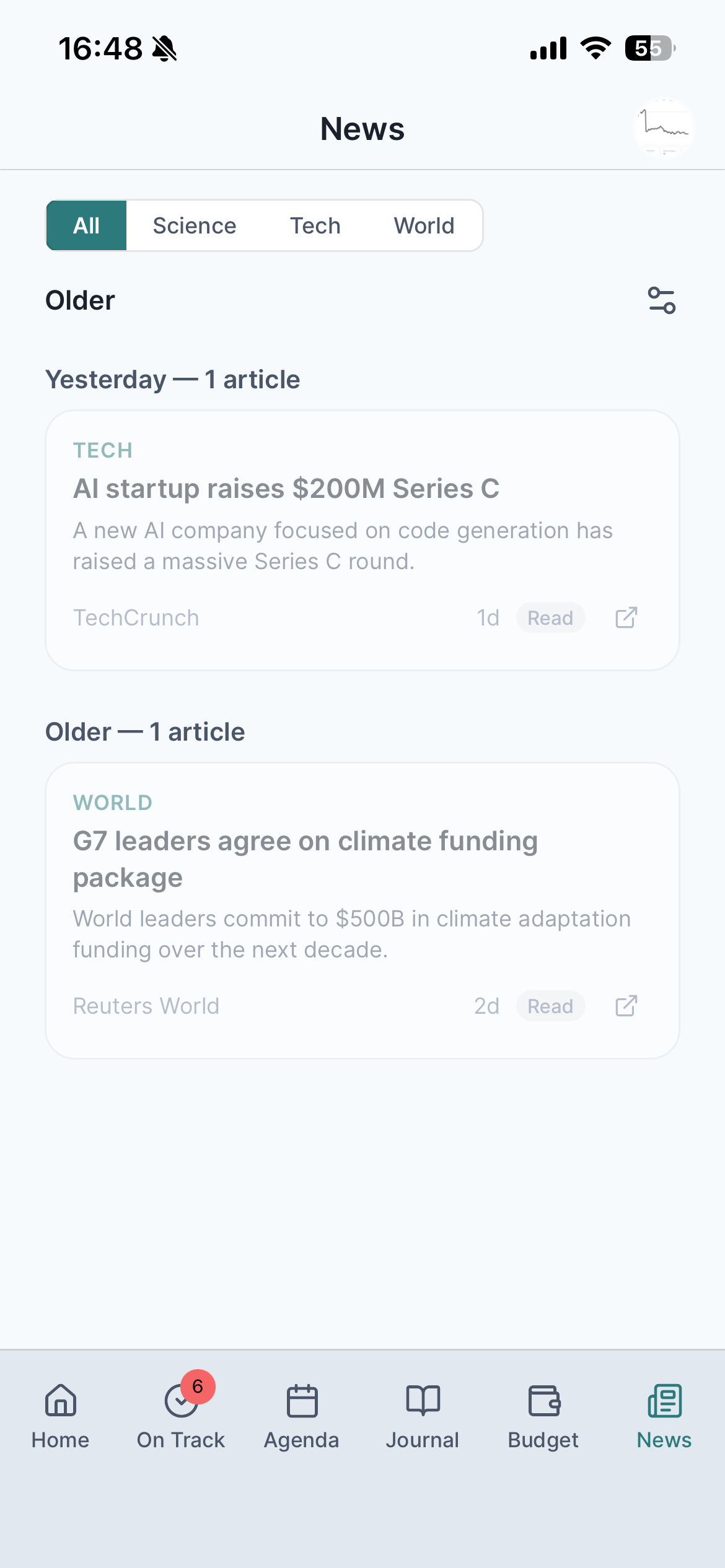
News
Follow topics, not noise
Personalized feed by sector, source, and language
Read tracking so nothing repeats
Enable only the modules you need. Your app adapts.
How it works
1
Get notified at launch
Leave your email to be the first to know
2
Pick your modules
Enable only what you need during onboarding
3
Start using it
Your dashboard shows only what you chose
Why LiteOff?
One app instead of many.
Tasks, calendar, journal, budget, and news in a single app. No switching between tools.
Modular — use only what you need.
Turn modules on or off anytime. Your app adapts.
Built for mobile.
Designed for iOS and Android from the start.
LiteOff is launching soon.
Questions
Your data is stored in the cloud using Supabase. Journal entries can be additionally protected with a PIN code you set in the app. We do not sell user data. For full details, see our Privacy Policy.
LiteOff is built for iOS and Android and will be available on the App Store and Google Play soon.
LiteOff supports English, French, and Spanish.
You choose which modules to enable during onboarding. You can change this anytime in Settings.
Go to Settings → Account → Deactivate. You can temporarily disable your account or permanently delete it along with all associated data.
LiteOff requires an internet connection to sync your data.
Yes. This website uses cookies for analytics. See our Cookie Policy for details.